Text to Video AI vs Blog-to-Video Tools
Key Takeaways: The article examines four popular text-to-video tools, Blog2video, Synthesia, InVideo, and VEED, through real marketing workflows instead of simply listing features. That usually makes the comparison more useful.
Blog2video stands out for turning blog posts into videos and helping teams turn written content into video fast. Synthesia works best when the goal is polished, avatar-led business videos and multilingual content. InVideo gives users a lot of creative flexibility, while VEED combines AI generation with more hands-on editing for teams that want more control.
The guide says the right choice depends on your starting asset, how much editing work you want to do, whether avatars or voice tools matter, and how often you publish. For teams mainly trying to turn existing articles and SEO content into videos efficiently, Blog2video is presented as likely the best fit.
If you’re looking for the best text to video AI platform, there’s usually a simple reason: you need to turn more content into video without adding more work for your team. For digital marketers, SEO specialists, content creators, and social media managers, that pressure keeps building. Blog posts, landing pages, newsletters, and scripts already contain a lot of value, and most teams have plenty to work with. The tough part is finding the time to manually turn all that written content into video every week.
Text to video tools have improved a lot, but they are not made for the same type of work. Some are better for general video editing. Others fit better for AI avatars or quick social clips. A smaller group is built around blog-to-video workflows, and that can make a real difference if the goal is to repurpose written content at scale. For many teams, that’s why they start looking at these tools in the first place.
This comparison looks at four well-known options and breaks down where each one works best, where each one is weaker, and what type of user it fits. If efficient content repurposing is the goal, this guide is here to make the choice easier and much more practical.
What You’ll Find in This Comparison
- Blog2video
- Synthesia
- InVideo
- VEED
Text-to-Video AI Tools You’ll Want to Try
1. Blog2video
At a Glance
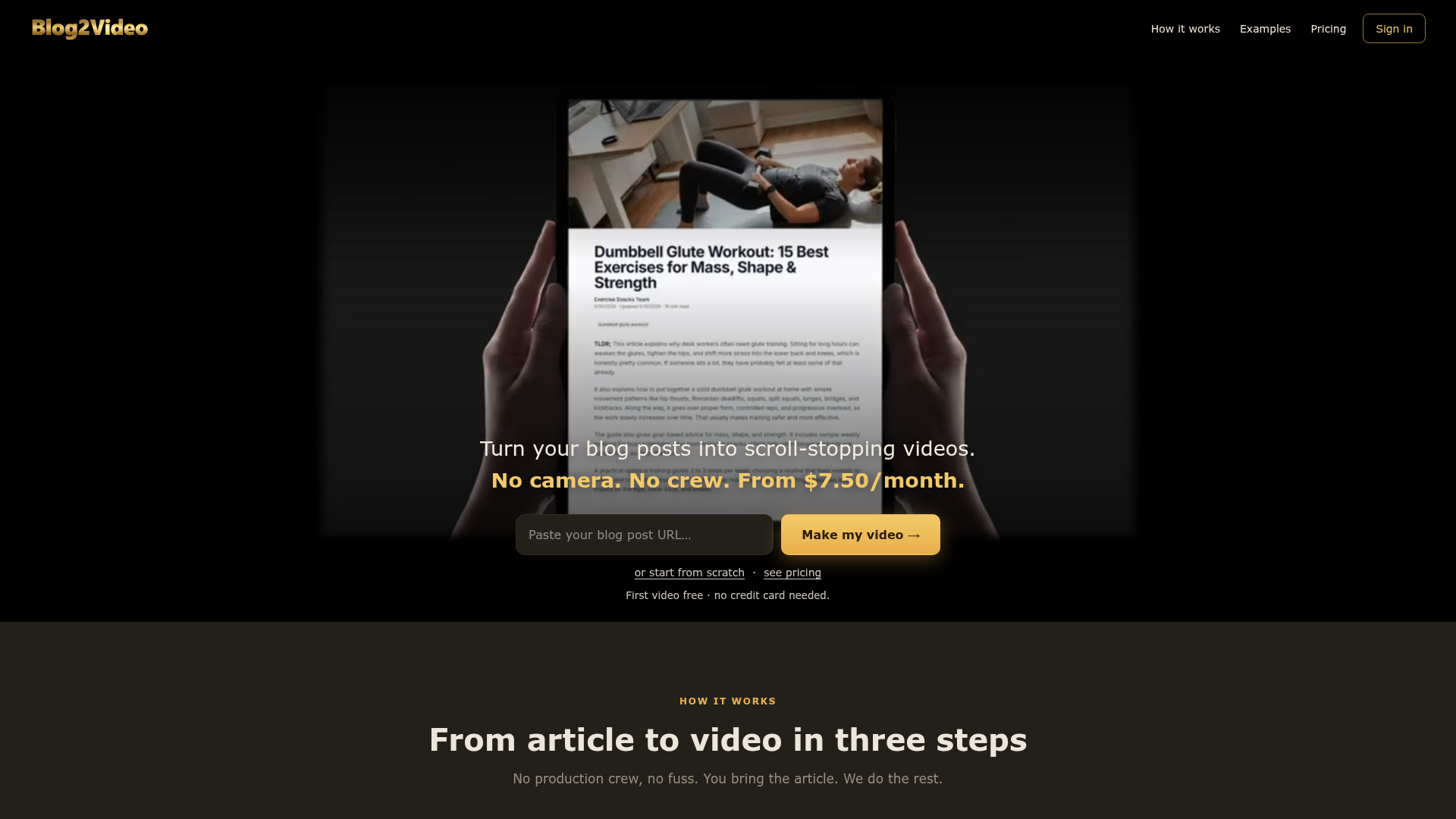
Blog2video is built around one very practical workflow: turning written content into polished videos without all the usual manual work. It is not a blank-canvas editor made for full video projects from scratch. Instead, it focuses on repurposing blog posts and other text-based assets into video with AI avatars, synthetic voice, and voice cloning. For marketing teams that already publish articles, that can be a very useful fit. It helps carry the same message across YouTube, social media, landing pages, and video SEO channels without rebuilding everything piece by piece, which usually takes a lot more time than teams want to spend.
Core Features
- AI-powered blog to video conversion
- Text to video workflows built around repurposing written content
- Synthetic avatars for presenter-style videos
- Voice cloning and AI voice support
- Fast script-to-video automation for marketers
- Output that works for content teams managing lots of assets
- A simple workflow that turns articles into shareable videos
Pros
- Built for repurposing: It is made to turn blog content into video, which saves time for teams that already have a library of written assets.
- Marketing-friendly workflow: The platform fits well into SEO and content marketing workflows instead of pushing users toward an editing-first setup.
- AI avatar support: Presenter-style videos can make text-based content feel more natural and more engaging.
- Voice cloning options: Brands can keep a more consistent audio identity across different videos.
- Efficient scaling: Teams trying to publish more video from the same content library can move faster with less manual production work and fewer repeated steps.
Who It’s For
This tool fits digital marketers, agencies, SEO teams, social media managers, and creators who already produce articles or other text-heavy content and want to turn that material into video in an efficient way. It is especially practical for teams focused on content repurposing, workflow automation, and lower-cost production. If that is already how a team works, the match is pretty obvious.
Unique Value Proposition
The standout point with Blog2video is its focus. Many AI video tools try to do everything, from editing and templates to social clips. Blog2video stays centered on one outcome that matters to marketers: turning written assets into engaging videos quickly. That narrower direction can be a real advantage for teams that do not need a broad editing suite. If a company already puts time into blogs, SEO content, and educational written assets, Blog2video gives each piece another use by turning it into a second format without starting over.
Why Marketers Use Blog2video
Many marketing teams already have a steady publishing process for articles and landing pages. Because of that, a dedicated repurposing workflow often feels more practical than starting every video manually. Teams looking for a cleaner workflow can also explore the platform directly at Blog2video to see how the system handles written content conversion.
Real World Use Case
Picture a SaaS marketing team publishing four SEO blog posts each month. Rather than stopping at the article, they use Blog2video to turn every post into a short presenter-led video with branded voice and visuals. From there, the same content can support YouTube, LinkedIn, email campaigns, and landing pages. The team gets more reach without multiplying production time, and the message does not need to be rebuilt for every channel.
Website: https://blog2video.ai/
A quick side note before moving to the other tools: the choice between a general text to video tool and a blog to video platform really depends on workflow. If the starting point is already written content, a specialized repurposing tool can save more time and make the process feel less repetitive.
2. Synthesia
At a Glance
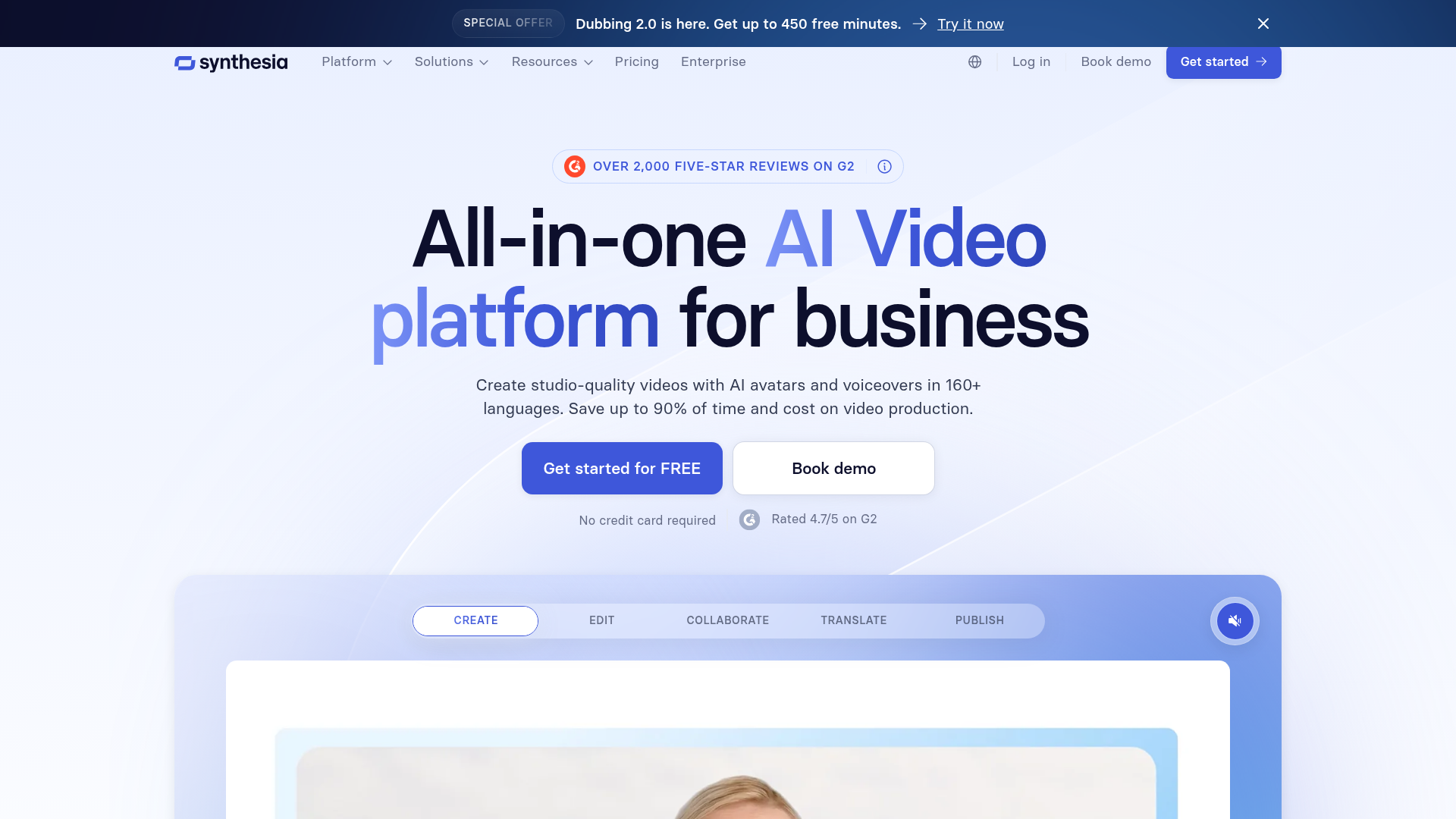
Synthesia is one of the best-known names in AI video generation, especially for avatar-led business videos. Teams often use it for training, internal communications, product explainers, onboarding, multilingual videos, and other business content. That wide range of uses is a big reason it gets so much attention.
The platform lets users turn text into video, choose AI presenters, and create voiceovers in many languages. It can also support marketing needs. Still, it is most closely tied to corporate and educational content, where presenter-style delivery often matters more than deeper editing control. For teams that want polished AI avatar videos in a clean, easy interface, Synthesia is a good option and fairly easy to start using.
Core Features
- AI avatars for presenter-led videos
- Script-based text-to-video creation
- Multilingual voiceover support
- Templates for training and business communication
- Screen and media upload support
- Team collaboration features
- Brand customization tools
Pros
- Strong avatar quality: Synthesia is widely known for polished AI presenters.
- Good for multilingual content: It supports many languages, which is helpful for global teams.
- Business-ready templates: Training, onboarding, and explainer workflows are easy to build.
- Simple production process: The script-to-video workflow is clear and easy to follow.
- Professional look: The output looks clean and works well for enterprise use.
Cons
- Less focused on blog repurposing: It is more script-first than blog-first, so content marketers may need extra prep.
- Creative editing limits: Advanced editors may find the format a bit structured.
- Can get expensive for some teams: Pricing can rise if more seats or higher production volume are needed.
Who It’s For
Synthesia is a good fit for businesses making training videos, onboarding content, internal communications, product explainers, and multilingual presenter-led videos. It can also work for marketers. Even so, it tends to fit teams better if they start with scripts rather than full blog posts.
Unique Value Proposition
What stands out about Synthesia is how polished and easy AI avatar video creation feels for everyday business use. It keeps the process simple while still giving professional results. For teams focused on clean presenter-led videos from text, especially with strong language support, it is one of the easier tools to roll out quickly.
Where Synthesia Fits Best
Synthesia works especially well for companies creating structured internal content at scale. For example, HR teams, onboarding departments, and enterprise educators often prioritize consistency over flexible editing. Additionally, teams that already write detailed scripts can move from draft to finished video fairly quickly.
Pricing: Public plans are typically listed from around $29 per month for starter-level access, with higher-tier and enterprise options available.
Website: https://www.synthesia.io
3. InVideo
At a Glance
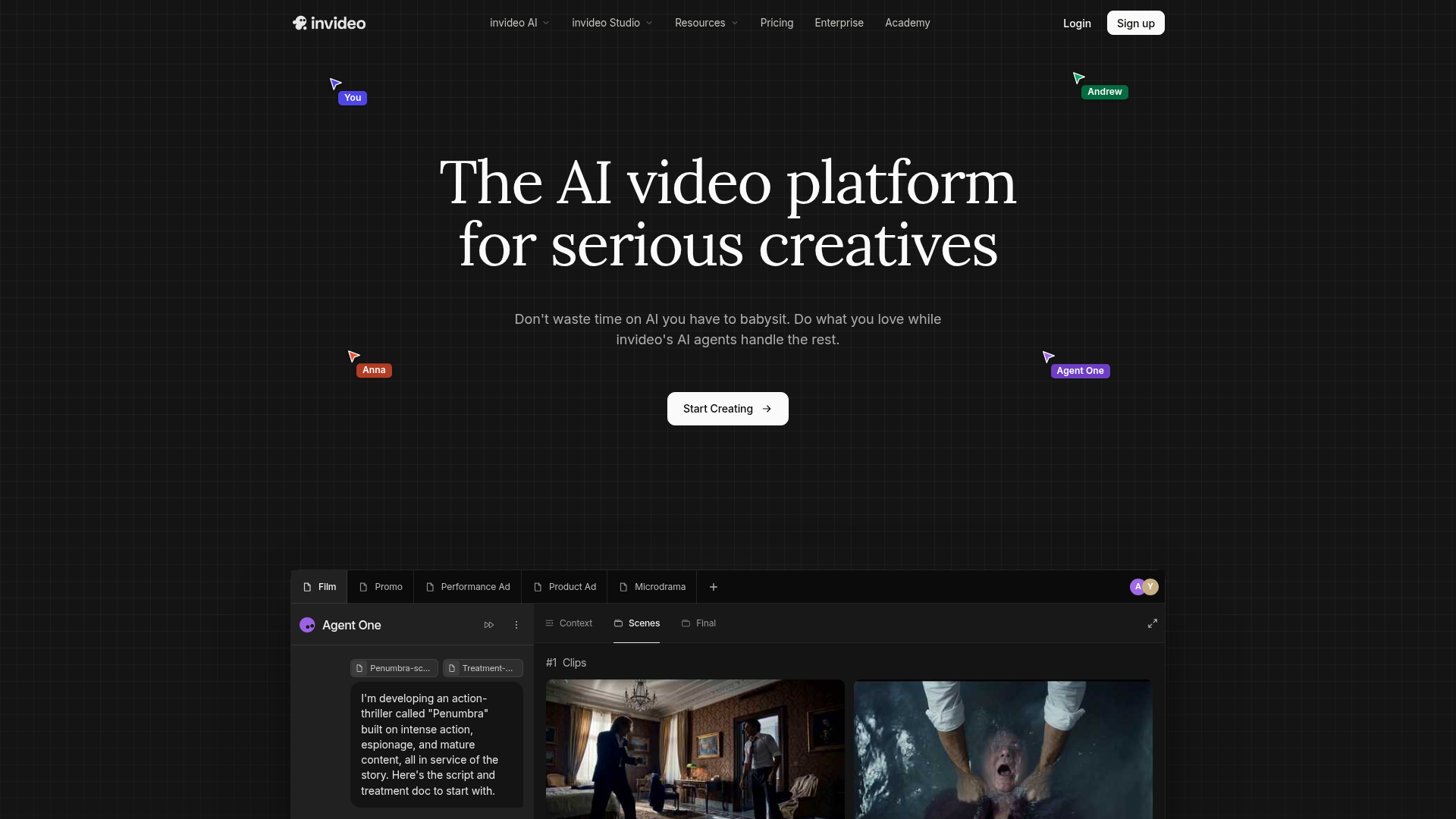
InVideo gives marketers, creators, small businesses, and social media teams a fast way to make videos from prompts, scripts, and templates. It supports a wide mix of uses, from social videos and ads to YouTube content and explainer clips, so it covers a lot. That range can be helpful if the team works across several formats. It can also feel a bit less focused if the main goal is turning long-form written content into a structured video. InVideo goes beyond blog-to-video conversion, which means more flexibility overall, but it may also need more hands-on editing when content repurposing has to follow a tighter structure.
Core Features
- AI text to video generation
- Large template library
- Stock media access
- Voiceover and narration tools
- Social media and ad-ready formats
- Basic team and brand workflow features
- Browser-based editing environment
Pros
- Versatile use cases: It works well for ads, social clips, YouTube videos, and other content types.
- Template variety: Lots of prebuilt layouts help users get started quickly.
- Beginner-friendly: The interface feels approachable for people without editing experience.
- Good for quick output: Useful for fast production, especially when deep customization is not the main focus.
- Broad creative range: It supports many marketing styles in one platform.
Cons
- Less specialized for blog to video: Turning articles into videos can require more manual shaping.
- Template-heavy feel: Some results may look generic without extra editing.
- Workflow can be noisy: The number of options can make it feel less simple for teams with one specific use case.
Who It’s For
InVideo fits small teams, freelancers, social media managers, and general marketers who want one platform for quick video creation across different channels. Its flexibility is a real plus for users handling several formats at once. At the same time, it tends to suit people who want that range more than those looking for a dedicated content repurposing system.
Unique Value Proposition
Breadth is the main appeal here. Teams that want a general text-to-video generator with lots of templates, stock assets, and different output styles get many creative starting points in one place. That can save time, especially for marketers handling multiple content formats instead of following one narrow workflow.
Flexibility vs Specialized Workflows
InVideo can cover many creative needs in one dashboard, which is useful for teams juggling campaigns across platforms. However, users focused mostly on SEO articles and repurposing workflows may still spend more time adjusting scenes and pacing manually. That tradeoff is important when comparing broader tools with more focused blog-to-video systems.
Pricing: Public plans are available, including a free tier and paid options that start around $20 to $25 per month depending on billing cycle and feature level.
Website: https://invideo.io
4. VEED
At a Glance
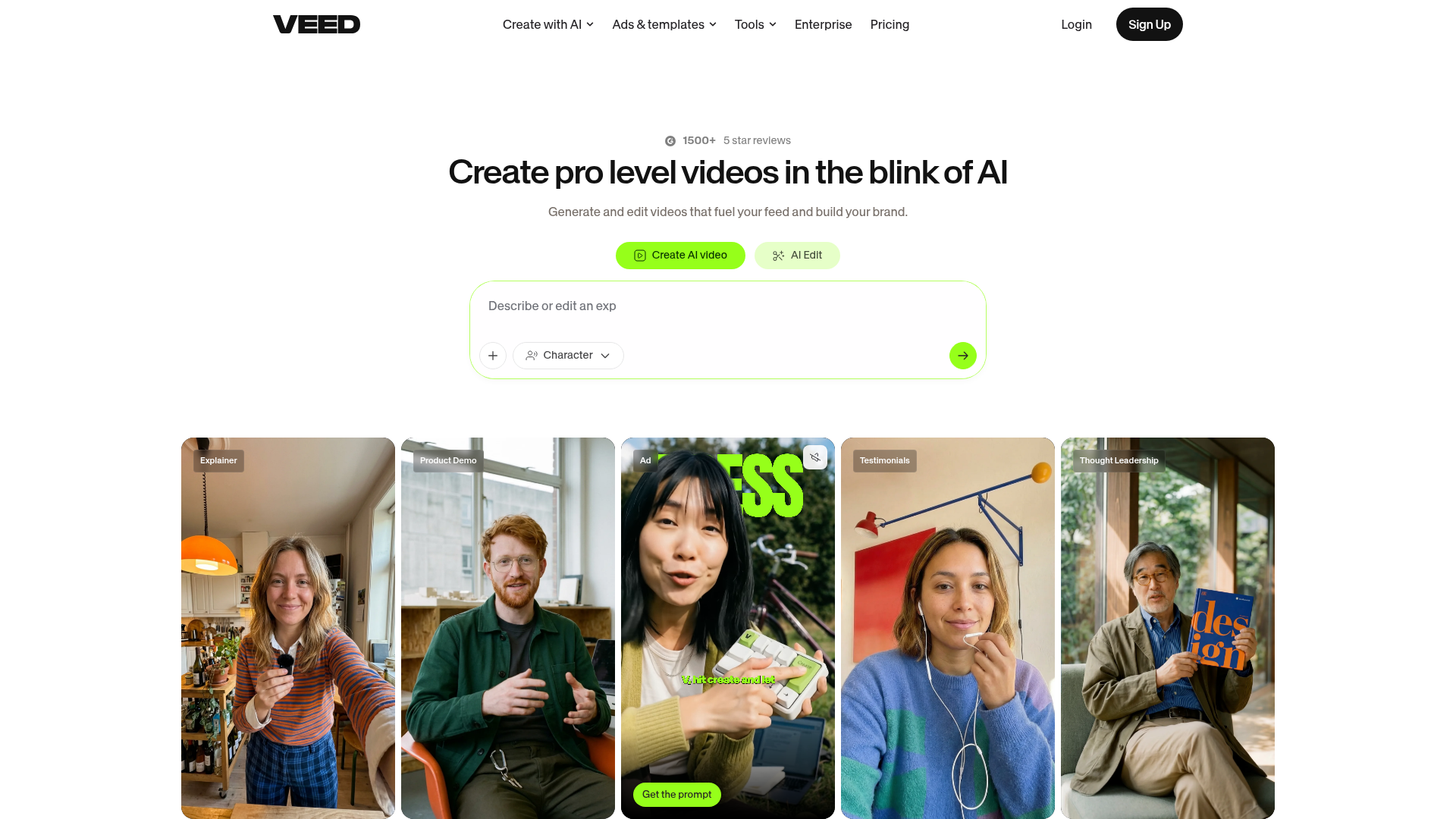
VEED keeps video creation and editing in the browser, which makes it a good fit for creators and marketing teams that want to move fast online instead of depending on old-school desktop software. It covers editing, subtitles, resizing, audio cleanup, and quick video production in one place. Short and simple. There are also AI features for scripts, subtitles, avatars, and text-to-video workflows, but the main appeal is still how easy it is to edit, adjust, and publish. For teams that want AI help without losing hands-on control, VEED is a good all-around choice.
Core Features
- Online video editor
- AI text-to-video tools
- Auto subtitles and transcription
- AI avatars and voice tools
- Screen and webcam recording
- Social media resizing, plus export options
- Audio cleanup and editing features
Pros
- Strong editing toolkit: It gives a nice balance of AI generation and manual control.
- Subtitle support: Especially helpful for social content and accessibility. A real plus.
- Easy browser workflow: There’s no need for heavy software setup.
- Useful for many content types: It works well for clips, explainers, tutorials, and social videos.
- Fast publishing: Teams can go from draft to export pretty quickly.
Cons
- Not deeply specialized for blog repurposing: It’s more of a flexible editor than a built-for-purpose blog-to-video tool.
- Advanced features may require higher plans: Some teams may run into limits on lower-tier options.
- Output quality depends on user input: Better results usually need more manual direction.
Who It’s For
VEED fits content creators, educators, social teams, and marketers that want easy online editing with AI support. It usually works better for users who need flexibility and post-production tools, rather than a dedicated written-content-to-video workflow, so it doesn’t box teams into a single use case.
Unique Value Proposition
What makes VEED stand out is the mix of AI generation and the practical editing features teams actually use every day. After a first draft, users can fine-tune visuals, captions, and pacing, which is where many tools feel limited. More control. That makes VEED a good middle ground between automation and hands-on editing.
Why Editing Control Matters
Some teams prefer automation from start to finish, while others want to adjust every scene before publishing. VEED sits closer to the second category. Additionally, the browser-based workflow makes collaboration easier for distributed marketing teams that need quick reviews and updates.
Pricing: Public plans are available, including a free version and paid tiers that start around $18 per user per month, depending on billing structure.
Website: https://www.veed.io
How These Tools Compare in Real-World Marketing Workflows
The biggest difference between these platforms is not just output quality. It is also about how well each one fits the way a team already works. Some tools are built around AI presenters. Others fit better with broader creative editing. Some are especially helpful for marketers who want to turn existing assets from their content library into something new, which can make the buying decision much easier.
| Company | Key Features | Pros | Cons | Pricing |
|---|---|---|---|---|
| Blog2video | Blog to video conversion, AI avatars, voice cloning, text-based repurposing workflows | Purpose-built for marketers, efficient repurposing, scalable workflow | None | , |
| Synthesia | AI avatars, multilingual voices, script-based video creation, templates | Polished avatars, strong language support, professional output | Less blog-first, structured workflow, can get costly | From about $29/month |
| InVideo | AI text to video, templates, stock media, browser editing | Flexible, beginner-friendly, broad creative use cases | Less specialized for article repurposing, template-heavy feel | Free plan; paid plans from about $20 to $25/month |
| VEED | Online editor, AI text to video, subtitles, avatars, audio tools | Strong editing tools, easy browser use, fast publishing | Not built specifically for blog repurposing, some limits on lower plans | Free plan; paid plans from about $18/user/month |
The table shows a clear pattern. Teams that need to turn published articles or other written content into video fast will usually have a more direct path with a specialized blog-to-video platform. If the work starts with scripts, social ideas, or internal training materials, a broader AI video tool may be the better fit and can remove a few extra steps.
Comparing Workflow Priorities
Different teams value different parts of the production process. Some prioritize publishing speed. Others care more about editing flexibility or multilingual support. Because of that, the best platform usually depends less on the feature count and more on how closely the workflow matches day-to-day content operations.
It also helps to look at where the content starts.
- Start with articles and SEO content: Blog2video is the strongest fit.
- Start with training scripts or internal comms: Synthesia fits well.
- Start with mixed creative ideas across channels: InVideo gives more flexibility.
- Start with editing and repackaging clips: VEED is useful.
Video scale usually has less to do with a long feature list and more to do with how easily the process fits your team. A platform may offer lots of features and still create delays if it does not match how content is actually made from the start. Even a strong set of features matters less if the workflow adds friction.
Matching the Tool to Your Team
A small social team may care more about quick editing and exports than advanced automation. Meanwhile, SEO-focused marketers often benefit more from workflows built around repurposing articles efficiently. In many cases, choosing a narrower platform creates fewer production bottlenecks over time.
What to Look for in a Text to Video Tool Before You Buy
Comparing text to video AI tools? Here are the practical questions to ask before you decide. Check these details first, really, before you buy.
1. What is your starting asset?
Start with your first filter: the asset you already have. If that’s blog posts, guides, or other written SEO content, pick a platform that turns blogs into videos easily, since it can save time. If each project starts from a fresh script, though, a script-first avatar tool can work well and keep things simple.
2. How much editing do you want to do?
If time is tight, tools that handle most of the work can be a great fit. Others give you a rough draft, then leave more cleanup up to you. Neither option is wrong. It really depends on the team. For busy marketers, speed and consistency often matter more than having lots of editing control.
3. Do you need an on-camera style without filming?
AI avatars can help if presenter-led videos fit the plan, but filming every week doesn’t. They work really well for educational content, product walkthroughs, onboarding clips, and faceless brand channels that still want a human feel without putting someone on camera.
4. Is voice quality important for your brand?
Voice cloning and AI voice tools now play a bigger part in how people choose platforms. For some brands, that really does matter a lot. If a consistent voice identity matters to the brand, pay close attention to how natural the audio sounds and whether it stays the same across many videos.
5. Can the tool scale with your publishing schedule?
A lot of teams do not need just one good video. They need 10, 20, or 50 over time. So the best text to video software is the one your team will keep using because it fits your workflow, your team size, and how much content you need. If it really fits, your team will notice.
Consider Long-Term Workflow Efficiency
It is easy to focus on flashy AI features during a product demo. However, long-term efficiency usually matters more once production ramps up. Teams publishing content every week often benefit from simpler systems that reduce repetitive manual work instead of adding more customization steps.
Which Type of User Should Choose Which Tool?
Different buyers need different tools, so here’s an easy way to sort it out and save time.
Choose Blog2video if: you work in content marketing, SEO, blogging, or demand generation, and you want to turn written content into videos fast without rebuilding everything from scratch.
Choose Synthesia if: AI presenters are your main priority, along with multilingual support and business-focused training or explainer videos, since that’s where it fits best.
Choose InVideo if: you want one flexible tool that covers many marketing formats, especially social content and quick campaign assets.
Choose VEED if: browser-based editing is the priority, along with AI help for subtitles, clips, and lightweight video production.
For teams focused on content repurposing, the issue usually isn’t making one impressive video. It’s building a process they can use again and again. In that case, a more focused platform can work better than a general one because it keeps things simpler. Over time, that kind of workflow can lead to more output, better consistency, and stronger ROI.
A Practical Buying Perspective
Many teams initially compare features side by side, but daily usability often becomes the deciding factor later. A workflow that feels manageable every week usually produces more consistent publishing results than one packed with features that rarely get used.
Ready to Turn More Written Content Into Video?
For most marketers, ideas usually are not the problem. Time is. There are already blog posts, articles, case studies, landing page copy, email content, and social captions ready to use. The hard part is turning all of that into video without creating a slowdown for the team, especially once production starts to stack up.
A focused blog to video workflow can make that process much easier. Instead of asking the team to create every video from scratch, Blog2video helps reuse assets that have already taken time and effort to make. For digital marketing teams, that can lead to faster publishing, broader content reach, and more value from every article already sitting in the library.
If growing video production in a smarter way is the goal, Blog2video is worth a closer look. Visit https://blog2video.ai/ to see how it fits into an existing content workflow and helps turn written content into video with less hassle.
Frequently Asked Questions
What should I look for when choosing a text to video AI tool?
Start with your workflow, not the feature list. Ask what kind of content you begin with, how much editing you want to do, whether you need AI avatars or voice cloning, and how often your team will publish videos. The best platform is the one that removes the most friction from your actual process.
How do I know if a blog to video platform is more useful than a general text to video tool?
If most of your content already exists as articles, guides, or landing page copy, a blog to video platform will usually be more efficient. Tools like Blog2video are more aligned with repurposing written assets, while general text to video platforms often work better for broader creative projects or script-first workflows.
How much do text to video tools usually cost?
Pricing varies a lot. Some tools offer free plans with limited exports or watermarks, while paid options often begin around $18 to $29 per month for individual users. Costs can increase based on video length, export quality, team access, AI avatars, and advanced voice features.
How quickly can I see results from using text to video AI?
You can usually create your first video in a single day, but meaningful results depend on your publishing strategy. Most teams start seeing workflow gains almost immediately, while audience and traffic results tend to build over a few weeks or months as more videos go live consistently.
Which businesses benefit most from blog to video tools?
Businesses with strong written content libraries usually benefit the most. That includes SaaS companies, agencies, publishers, ecommerce brands, coaches, educators, and B2B firms investing in SEO and content marketing. If your team already publishes useful written material, a tool like Blog2video can help extend that value into video channels.
Are AI avatars and voice cloning necessary for good video marketing?
Not always. They are helpful when you want a more human presentation style without filming, especially for explainers, educational videos, and branded repeatable formats. But even simple text-driven videos can perform well if the message is clear and the content matches audience needs.